How to Prevent Gamer’s Wrist: The Complete Guide to Ergonomic Gaming Setups
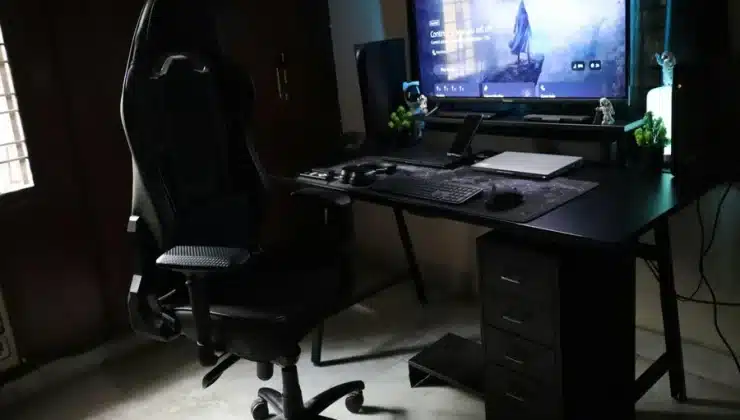
You’ve been grinding through ranked matches for hours, and suddenly you feel it—that sharp twinge in your wrist. Maybe it’s a dull ache that won’t go away, or perhaps your fingers feel numb and tingly. Welcome to the club nobody wants to join: gamers dealing with repetitive strain injuries.
Here’s the thing: most people don’t realize until it’s too late. That discomfort you’re brushing off as “just tired muscles” could be the early warning signs of serious conditions like carpal tunnel syndrome or tendonitis. The good news is that most gaming-related wrist injuries are completely preventable with the right setup and habits.
Understanding Gamer’s Wrist
Let’s talk about what’s actually happening when your wrist starts screaming at you. Repetitive strain injury (RSI) occurs when you perform the same motions over and over without proper support or breaks. For gamers, this means thousands of clicks, flicks, and movements every single gaming session.
Your wrist contains tendons, nerves, and blood vessels, all packed into a relatively small space. When you maintain awkward angles or grip positions for extended periods, these structures get compressed and inflamed. Over time, this inflammation can lead to chronic pain that doesn’t just affect your gaming; it impacts typing, writing, and everyday activities.
The scary part is how gradually it develops. Most gamers ignore the early symptoms until they wake up one day unable to hold their mouse without pain. By then, you’re looking at weeks or months of recovery instead of simple prevention.
The Real Cost of Ignoring Ergonomics
Professional esports players have started speaking openly about career-ending injuries from poor ergonomics. Hai Lam, former Cloud9 mid-laner, had to retire partially due to wrist issues. Uzi, one of League of Legends’ greatest ADC players, faced similar problems that impacted his career.
These aren’t isolated incidents among pros grinding 12-hour days. Regular gamers who play 2-4 hours daily face the same risks, just on a different timeline. The repetitive nature of gaming, combined with poor positioning, creates the perfect storm for injury.
Medical treatment for advanced RSI isn’t cheap either. Physical therapy sessions, wrist braces, anti-inflammatory medications, and in severe cases, surgery. These costs add up quickly. Investing in prevention now saves you thousands in medical bills and countless hours of pain later.
Your Desk Height Matters More Than You Think
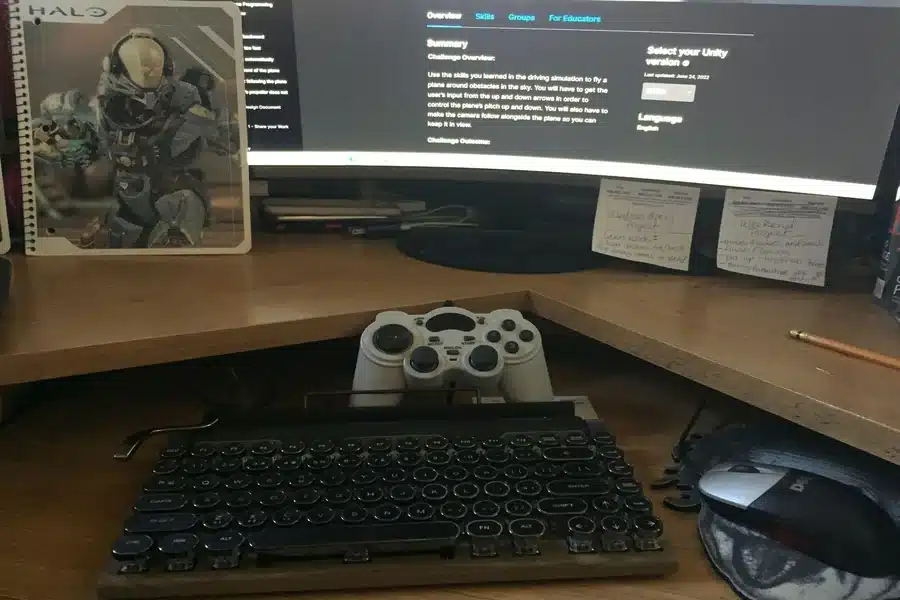
Before we even talk about fancy gaming gear, let’s address your desk setup. Your desk height determines everything else about your posture and positioning. When seated, your elbows should form a 90-degree angle or slightly more when your hands rest on your mouse and keyboard.
Most desks are built for general office work, not gaming. If your desk is too high, your shoulders hunch up, and your wrists bend awkwardly downward. Too low, and you’re reaching up, creating tension in your forearms and shoulders.
Adjustable height desks have become popular for good reason; they let you dial in the perfect height for your body. If you can’t swing a standing desk, even adding risers under your desk legs or using an adjustable keyboard tray can make a massive difference.
Chair Position and Posture Fundamentals
Your gaming chair isn’t just about looking cool on stream. Proper lumbar support prevents you from slouching forward, which cascades into poor arm and wrist positioning. Your lower back should press against the chair’s backrest with the lumbar cushion supporting your natural spine curve.
Armrest height is criminally underrated in gaming setups. Your armrests should support your forearms while keeping your shoulders relaxed, not hunched up. This takes weight off your wrists by distributing it across your entire forearm.
Sit all the way back in your chair instead of perching on the edge like you’re about to spring into action. Gaming marathons require sustainable positioning, not sprint posture. Your body will thank you after hour three.
The Mouse Matters: Choosing the Right Tool
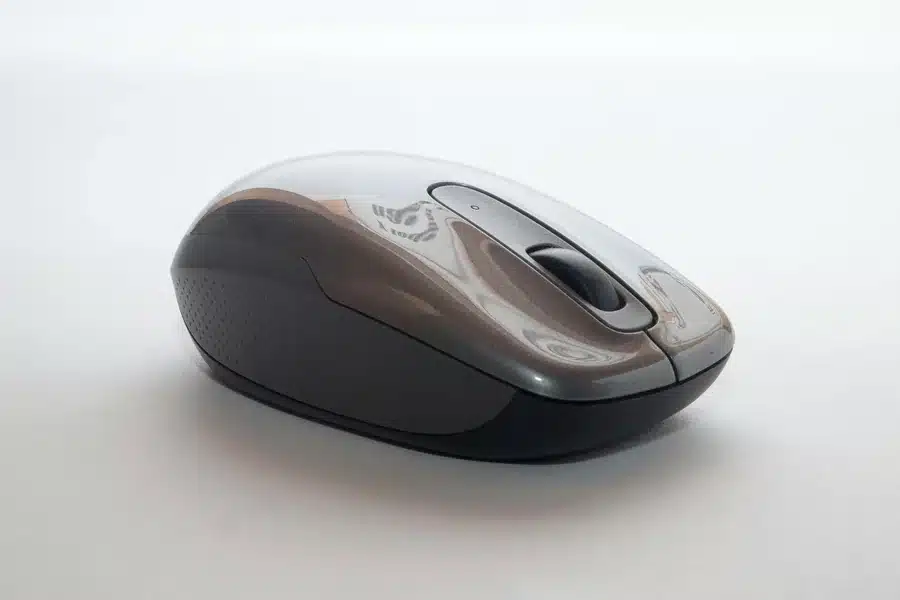
Here’s where equipment choice becomes critical. Not all gaming mice are created equal when it comes to ergonomics. The shape, weight, and grip style of your mouse directly impact wrist strain during extended gaming sessions.
Traditional ambidextrous mice force your hand into unnatural positions to reach buttons. Right-handed ergonomic designs follow your hand’s natural contour, reducing the need to grip tightly or bend your wrist. This seemingly small difference adds up over thousands of movements per gaming session.
Weight is another crucial factor that gamers often overlook. Ultralight mice require less force to move, reducing muscle fatigue. However, some players prefer a bit of heft for better control, find what works for your playstyle without going to extremes.
An ergonomic wireless gaming mouse eliminates cable drag that can contribute to wrist strain. Cable resistance forces you to use more muscle tension to move your mouse smoothly. Going wireless removes this subtle but constant source of strain.
Grip Style and Its Impact
How you hold your mouse dramatically affects wrist health. Palm grip, where your entire hand rests on the mouse, generally provides the most ergonomic support. Your wrist stays in a neutral position, and weight is distributed evenly across your hand.
Claw grip, with your palm raised and fingers arched, puts more strain on your fingertips and wrist flexors. If you use a claw grip, you need to be extra vigilant about taking breaks and stretching. The tensed position increases fatigue faster than the palm grip.
Fingertip grip is the most strain-prone style, using only your fingertips with your palm completely off the mouse. This style offers maximum control for micro-adjustments but creates the most tension. Consider whether the precision gains outweigh the increased injury risk for your gaming needs.
Monitor Position and Eye Level
Your monitor placement affects your entire upper body position, including your wrists. Screens positioned too low cause you to hunch forward, rolling your shoulders and changing your arm angles. Too high creates neck strain that cascades down through your shoulders.
The top of your monitor should be roughly at eye level when sitting with good posture. This keeps your neck neutral and prevents the forward lean that destroys your wrist positioning. Gaming on a laptop screen almost guarantees poor posture. Invest in an external monitor.
Distance matters too; your screen should be an arm’s length away. This prevents leaning forward during intense moments, which throws off your carefully positioned arms and wrists. If you need to lean in to see details, increase your UI scale or get your eyes checked.
The Power of Breaks
No ergonomic setup matters if you’re gaming for six hours straight without breaks. Your body needs movement to prevent stiffness and maintain blood flow. The 20-20-20 rule works well for gaming: every 20 minutes, take 20 seconds to look at something 20 feet away.
Stand up and move around between matches or during loading screens. Even 30 seconds of walking or stretching helps. These micro-breaks don’t significantly impact your gaming time but massively reduce injury risk.
Longer breaks matter too. After 90 minutes of gaming, take a 10-15 minute break to properly stretch and reset. Your performance will actually improve after these breaks as your mind and body refresh.
Essential Stretches for Gamers
Prayer stretches target your wrist flexors. Press your palms together in front of your chest, then slowly lower them while keeping palms pressed together. Hold for 15-30 seconds when you feel the stretch in your forearms and wrists.
Wrist extensions help too. Extend your arm forward with palm down, then use your other hand to gently pull your fingers back toward your body. Hold each wrist for 15 seconds, repeat three times.
Don’t forget finger stretches. Make a tight fist, hold for 5 seconds, then spread your fingers wide for 5 seconds. Repeat 10 times. This maintains flexibility in the small muscles and tendons in your hands.
Mouse Pad Selection and Placement
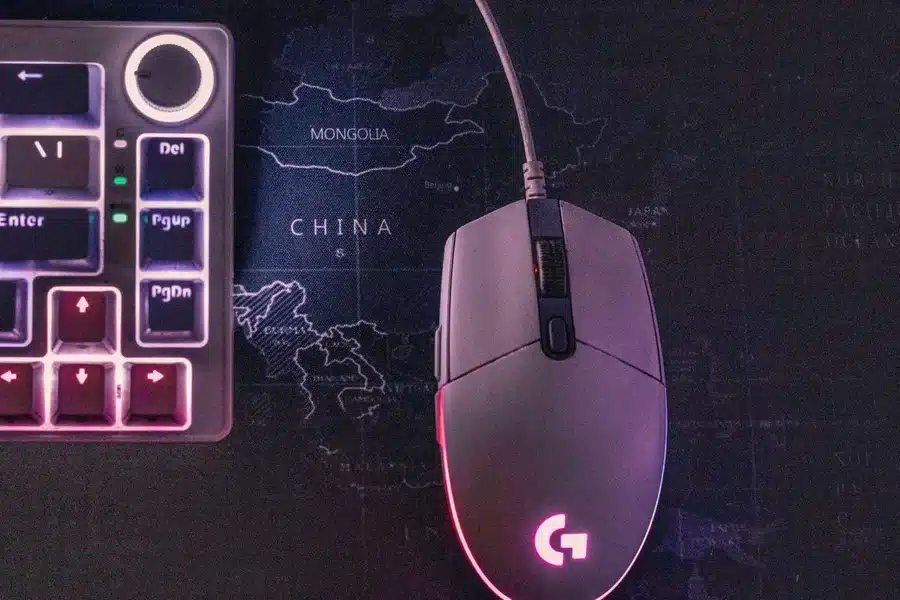
Your mouse pad surface affects how much friction you encounter during mouse movements. High friction means more force is required, increasing wrist fatigue. Low friction can cause overcompensation as you try to maintain control.
Size matters more than most people realize. A mouse pad that’s too small forces you to lift and reposition constantly, adding unnecessary movements. Extended mouse pads that fit both your keyboard and mouse provide a consistent surface and reduce reaching.
Gel wrist rests can help some people, but aren’t universally recommended. They provide support during rest periods, but you shouldn’t actually rest your wrist on them while actively gaming. This creates a pressure point that can compress nerves.
Keyboard Positioning
Your keyboard angle affects wrist position just as much as your mouse choice. Most keyboards have flip-out feet that raise the back edge. Don’t use them. This tilts your wrists upward into extension, increasing strain.
The keyboard should be flat or slightly tilted away from you. Some ergonomic keyboards feature negative tilt, sloping down away from your body. This keeps wrists neutral or slightly flexed, the healthiest position.
Don’t place your keyboard too far away. Your elbows should stay close to your body with your shoulders relaxed. Reaching forward to type or use movement keys creates shoulder and neck tension that affects your entire upper body.
Temperature and Circulation
Cold hands mean reduced blood flow and increased stiffness. Gaming rooms often get cold from AC, especially if you’re streaming and dealing with equipment heat. Keep your gaming space at a comfortable temperature or wear fingerless gloves.
Compression sleeves designed for gamers can improve circulation and provide gentle support. These aren’t a substitute for proper ergonomics, but they can help during long sessions. Look for sleeves that don’t restrict movement or grip.
Stay hydrated during gaming sessions. Dehydration affects joint lubrication and muscle function. Keep water nearby and actually drink it, not just energy drinks loaded with caffeine that can increase tension.
Building Better Habits
Track your gaming time honestly. Most people underestimate how long they play. Use apps or console features to monitor your actual playtime. Awareness is the first step toward building sustainable habits.
Set hard stop times, especially if you tend to chase “just one more game.” That mentality leads to marathon sessions where you ignore discomfort signals until real damage occurs. Your rank will still be there tomorrow, but injured wrists take weeks to heal.
Listen to your body’s warning signs. Mild discomfort means change something now, not after finishing your ranked climb. Tingling, numbness, or persistent pain requires immediate attention. Stop gaming and consult a healthcare professional.
When to Seek Professional Help
Don’t tough it out if symptoms persist beyond a few days of rest. Early intervention prevents minor issues from becoming chronic conditions. A sports medicine doctor or physical therapist specializing in repetitive strain injuries can assess your situation.
Symptoms that warrant immediate medical attention include persistent numbness, weakness in grip strength, pain that wakes you at night, or symptoms that worsen despite rest. These could indicate nerve compression or significant inflammation requiring treatment.
Physical therapy specifically addresses gaming-related injuries with targeted exercises and treatments. Therapists can also analyze your setup via video and suggest specific improvements. Professional guidance is worth the investment if you’re serious about gaming long-term.
Prevention Is Your Best Strategy
Building an ergonomic gaming setup isn’t about buying the most expensive equipment. It’s about understanding how your body works and positioning everything to work with your anatomy, not against it. Small adjustments compound over time into massive benefits.
Start with the easiest changes: adjust your chair height, position your monitor correctly, and commit to regular breaks. Then gradually upgrade equipment as budget allows, prioritizing items you use most. Your mouse sees more action than any other peripheral, making it a smart first upgrade.
Your gaming career, whether casual or competitive, depends on your physical health. No amount of skill matters if you can’t hold a mouse without pain. Invest in prevention now, and you’ll still be fragging noobs decades from now instead of sitting on the sidelines nursing preventable injuries.